-
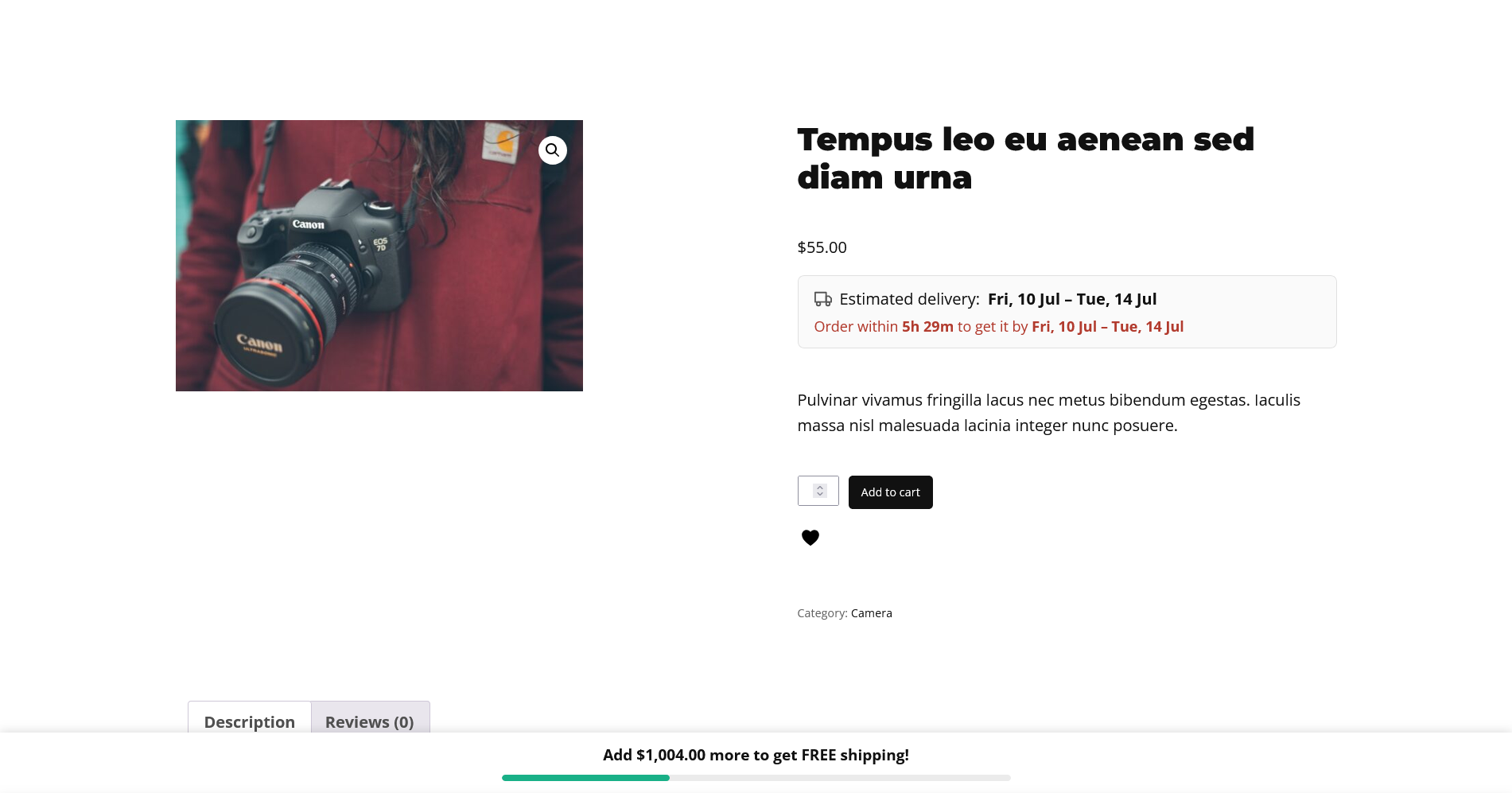
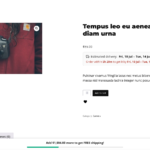
How to Show an Estimated Delivery Date on WooCommerce Product Pages
A shopper adds something to their basket, then pauses on the question that decides a surprising number of sales: “when will this actually arrive?” If your product page doesn’t answer it, some of them leave to check a competitor who does — and many don’t come back. Showing an estimated delivery date, right where the…
-
How to Choose a WooCommerce Estimated Delivery Date Plugin
Showing an estimated delivery date on your product pages is a proven way to reduce hesitation and lift conversions. But a delivery estimate is only as good as the logic behind it — an inaccurate date does more harm than showing none at all, because the shopper bought because of a promise you then broke.…
-
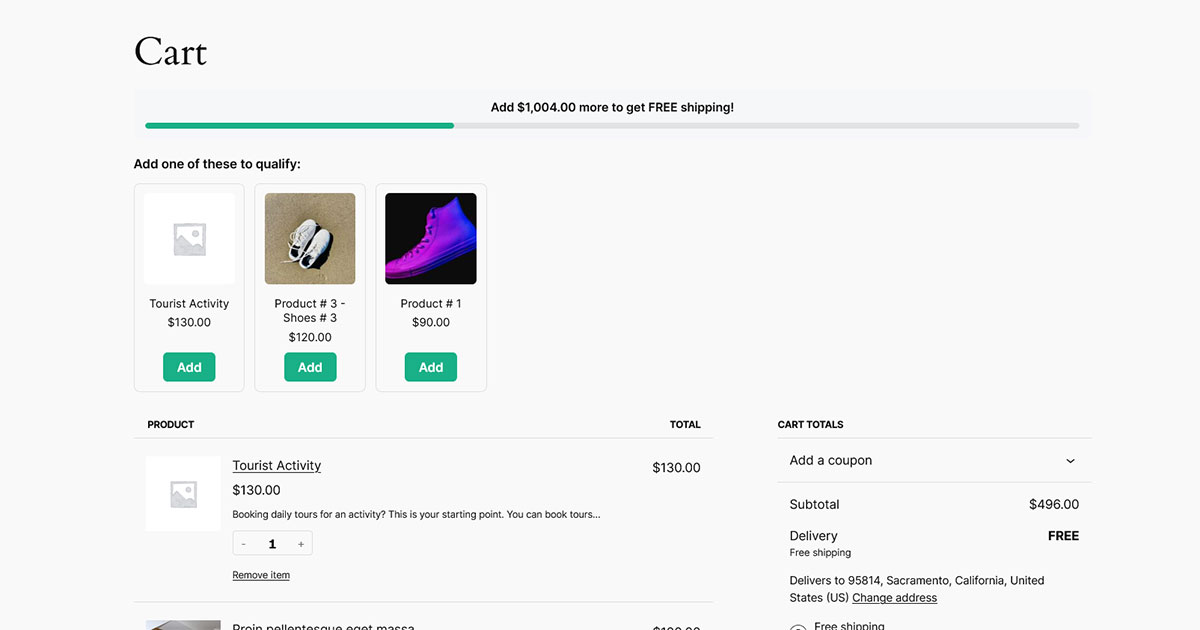
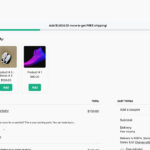
How to Upsell Products to Reach Free Shipping in WooCommerce
A free-shipping progress bar tells a shopper they’re “$12 away.” That’s a good nudge — but it leaves them to work out what to add. Close that gap for them by suggesting real products that reach the threshold, and you turn a passive reminder into an active upsell. This guide covers why it works, how…
-
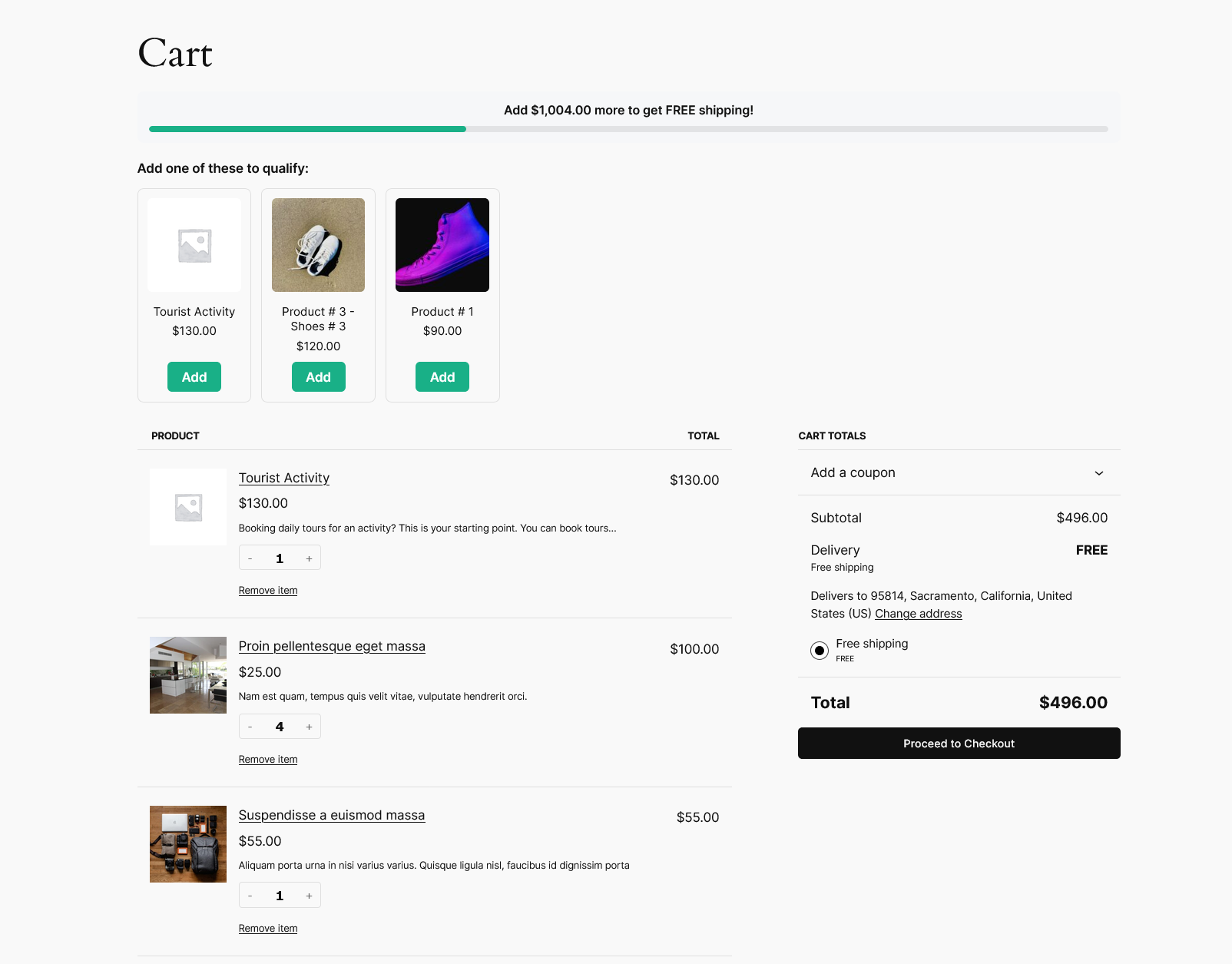
How to Choose a WooCommerce Free Shipping Bar Plugin
A free-shipping progress bar is one of the simplest ways to lift average order value — it turns your shipping threshold into a visible goal shoppers want to reach. But the plugins that offer one vary widely, and the differences aren’t obvious from a feature list. This guide covers the criteria that actually matter, the…
-
How to Show a Free Shipping Bar on WooCommerce Product Pages
A free-shipping bar on the cart page is useful — but by the time a shopper reaches the cart, they’ve mostly decided what they’re buying. The bigger opportunity is earlier: while they’re still browsing product, shop, and category pages. Showing your free-shipping goal there keeps it top of mind and encourages a larger basket from…
-
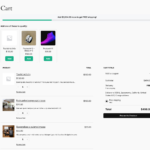
How to Add a Free Shipping Bar to the WooCommerce Block Cart
A “you’re $12 away from free shipping” progress bar is one of the simplest ways to nudge shoppers toward a bigger order. But if your store uses the newer WooCommerce block cart, you’ve probably found that the snippets and older plugins that add one to the classic cart simply don’t show up. This guide explains…
-
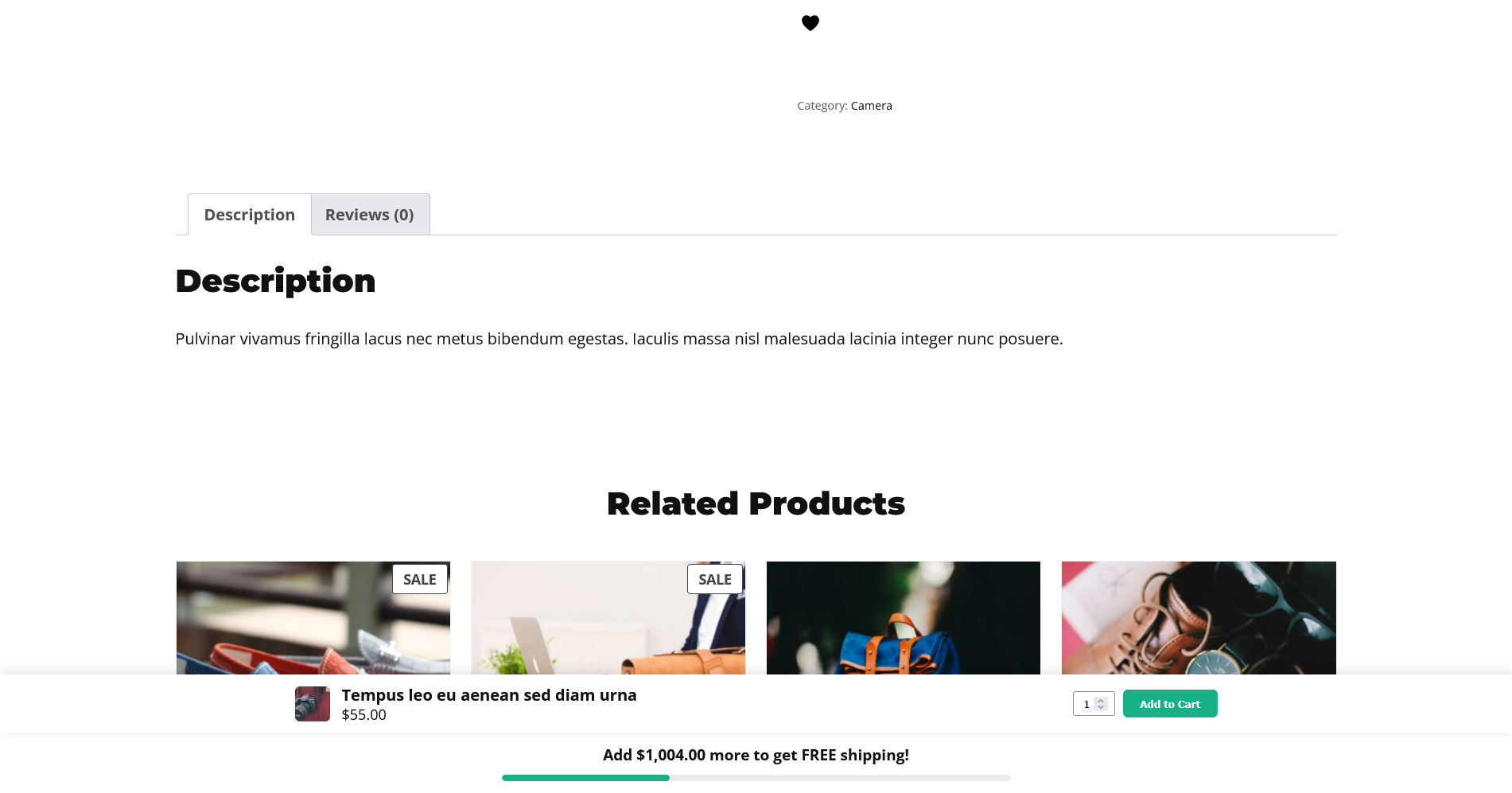
How to Add a Sticky Add to Cart Button in WooCommerce
A shopper lands on your product page, reads the description, swipes through the gallery, scrolls past the specifications, checks a few reviews — and by the time they’ve decided to buy, the Add to Cart button is a full screen or two above them. On a phone, that’s a lot of thumb-scrolling back up. Every…
-
Best WooCommerce Sticky Add to Cart Plugin: How to Choose
A sticky Add to Cart bar is one of the cheapest ways to lift conversions on product pages — it keeps the buy button in reach while shoppers scroll. But the plugins that offer one range from excellent to actively harmful, and the differences aren’t obvious from a features list. This guide walks through the…
-

How to Monetize Your Knowledge With a Membership Website
Do you have expertise others would pay to access? Whether you’re a coach, educator, or creator, a membership website is one of the best ways to monetize your knowledge in 2025. It allows you to build a community, deliver premium content, and generate recurring revenue—all while doing what you love. In this post, we’ll show…
-
How to Increase Sales With a High-Converting eCommerce Website Design
Your eCommerce website isn’t just a digital storefront—it’s your most powerful sales tool. But if visitors aren’t turning into customers, your design might be holding you back. A high-converting eCommerce website combines great user experience, trust-building elements, and sales-focused features to drive more purchases. In this post, we’ll show you how to design an eCommerce…
hello@sproutient.com

Resources
Recent Posts
- How to Show an Estimated Delivery Date on WooCommerce Product Pages
- How to Choose a WooCommerce Estimated Delivery Date Plugin
- How to Upsell Products to Reach Free Shipping in WooCommerce
- How to Choose a WooCommerce Free Shipping Bar Plugin
- How to Show a Free Shipping Bar on WooCommerce Product Pages